A shortcut to almost anywhere.
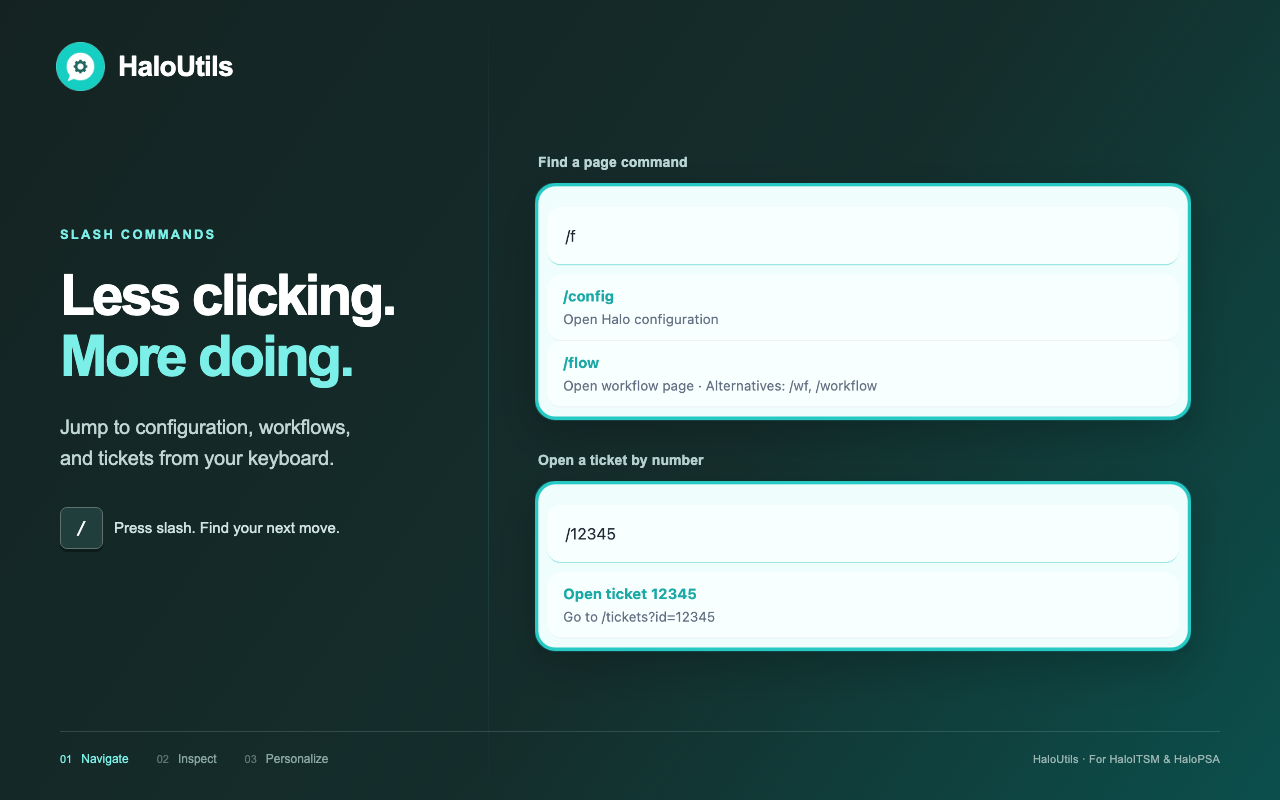
Jump to tickets, configuration, workflows, and more with a slash command. Add your own shortcuts for the places you visit most.
A LITTLE EXTENSION. A BETTER WORKDAY.
Less hunting through menus. More getting things done. The everyday toolkit for people who live in HaloITSM and HaloPSA.
 Go anywhere.HaloUtils
YOUR HALO, ONE COMMAND AWAY
id12345
summary"New starter setup"
status"In progress"
tickettype_id1
team"Service Desk"
{
  "id": 12345,
  "summary": "New starter setup",
  "status": "In progress",
  "tickettype_id": 1,
  "team": "Service Desk"
}
Know where you are.Give every environment its own identity.
An interactive preview. Go on, try a command.
SMALL TOOLS. EVERYDAY SUPERPOWERS.
The useful things you reach for all day.
Now, right where you need them.
Jump to tickets, configuration, workflows, and more with a slash command. Add your own shortcuts for the places you visit most.
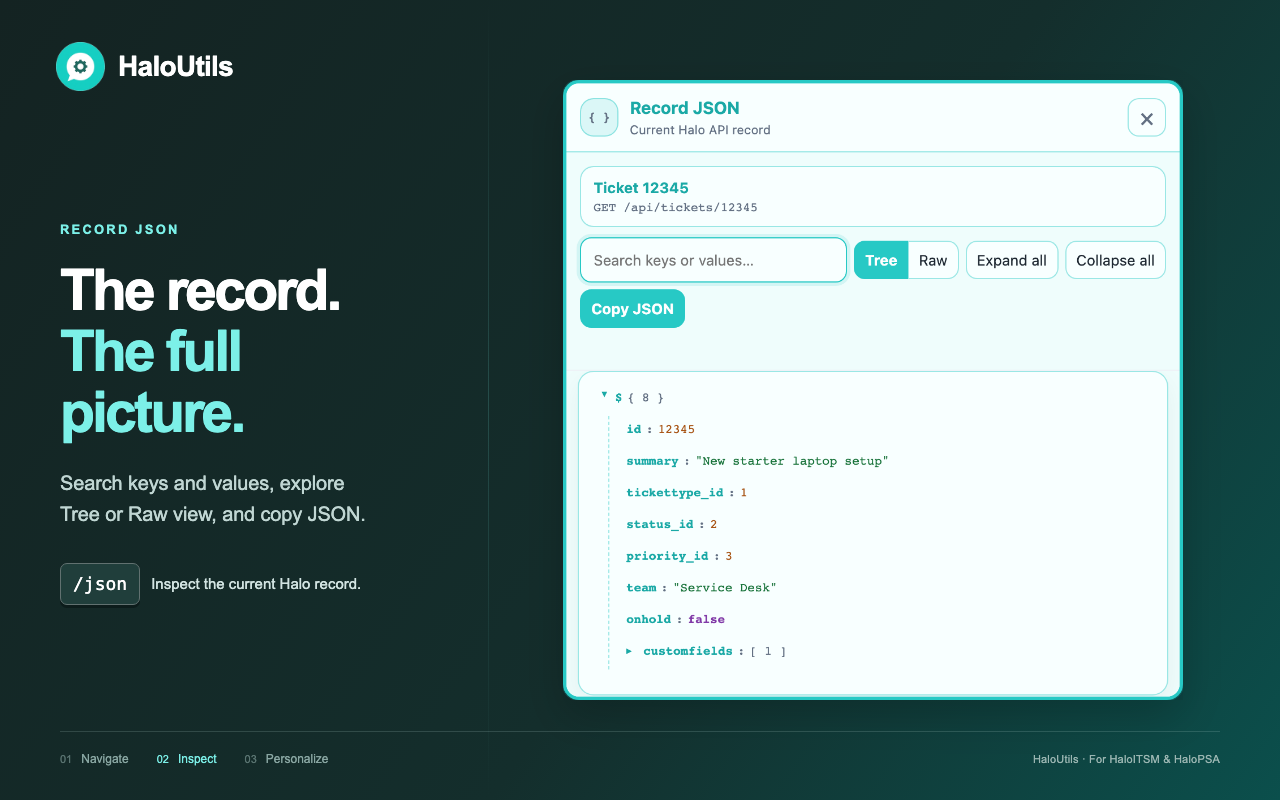
Reveal API field names and element GUIDs, open referenced records, or explore record JSON in a searchable tree and raw view.
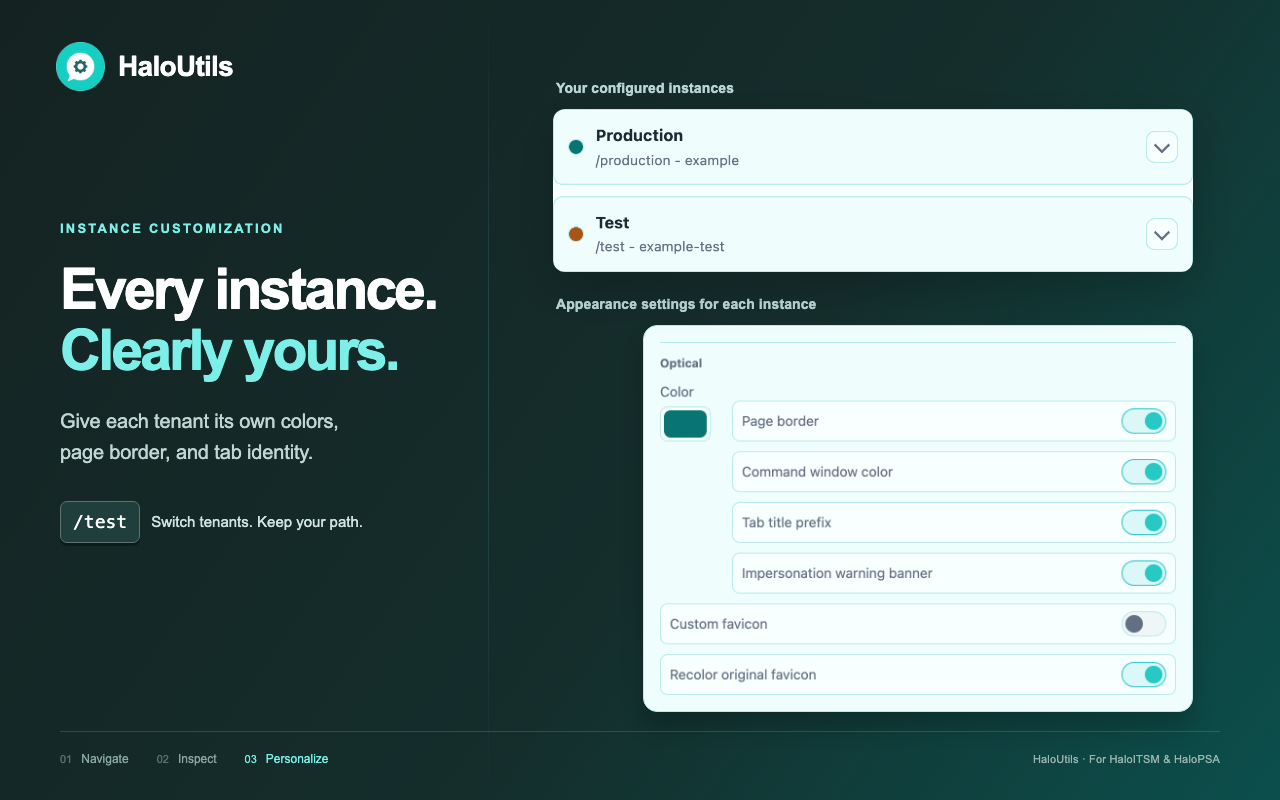
Give each instance its own color, border, tab title, and favicon. Switch tenants while keeping your current page in view.
A CLOSER LOOK
The actual HaloUtils interface, with sample data.
Select an image to see it in full.
FOR YOUR BIGGER CHANGES, TOO
Capture configuration changes in update sets.
Review them, prepare a dry run, and apply
them from your own Halo session.
Start recording and make your changes. HaloUtils reads your agent’s changes from Halo’s native configuration log.
Keep related changes together. Inspect operations and export an update set when it’s ready to share.
Check the plan against your target instance. Resolve blocking issues before choosing to run the replay.
Use Halo’s recorded rollback data for the source, or the target state captured before replay.
Capture needs Halo’s Config Change Tracking. Replay and rollback support depends on the recorded change and Halo endpoint. Validate your workflow in a test tenant first.
Setup guideUSEFUL TOOLS. CLEAR BOUNDARIES.
Settings and update sets stay in your browser by default. Halo API requests go to your configured instances. Team sync is optional, using a server you choose.
Read the data privacy noticeShared update sets · including automatic sync after changes
GOOD TO KNOW
HaloUtils provides a Chromium build for Chrome and Microsoft Edge (Chromium 114 or newer), plus a Firefox build. Install Chrome or Edge from the Chrome Web Store. The Firefox source build uses temporary installation and is removed when Firefox restarts. See the installation guide.
No extra account is needed for local extension features. HaloUtils uses your existing signed-in Halo session and the permissions your Halo role already has. Optional team sync requires a username and personal access token for your chosen sync server.
Yes. Add the full HTTPS host in the extension’s instance settings, including a custom Halo domain, and grant that host’s permission. HaloUtils registers its page tools for the configured hosts.
The extension has no built-in developer analytics service or central HaloUtils data service. Requests go to your configured Halo instances, your optional sync server, or destinations you choose through custom commands. Read the privacy notice for the full data flow.